Value-First Account
Company in HubSpot
How the Value-First Team sets up its own HubSpot portal, for HubSpot users.
Every organization we have a relationship with has an Account record, apart from the people in it.
That means a client, a sponsor of our shows, a partner organization, a former client, a vendor, or the organization a person we know works for.
What is an Account record?
“One of the ways I describe a company record … is by pointing to their customers folder.”
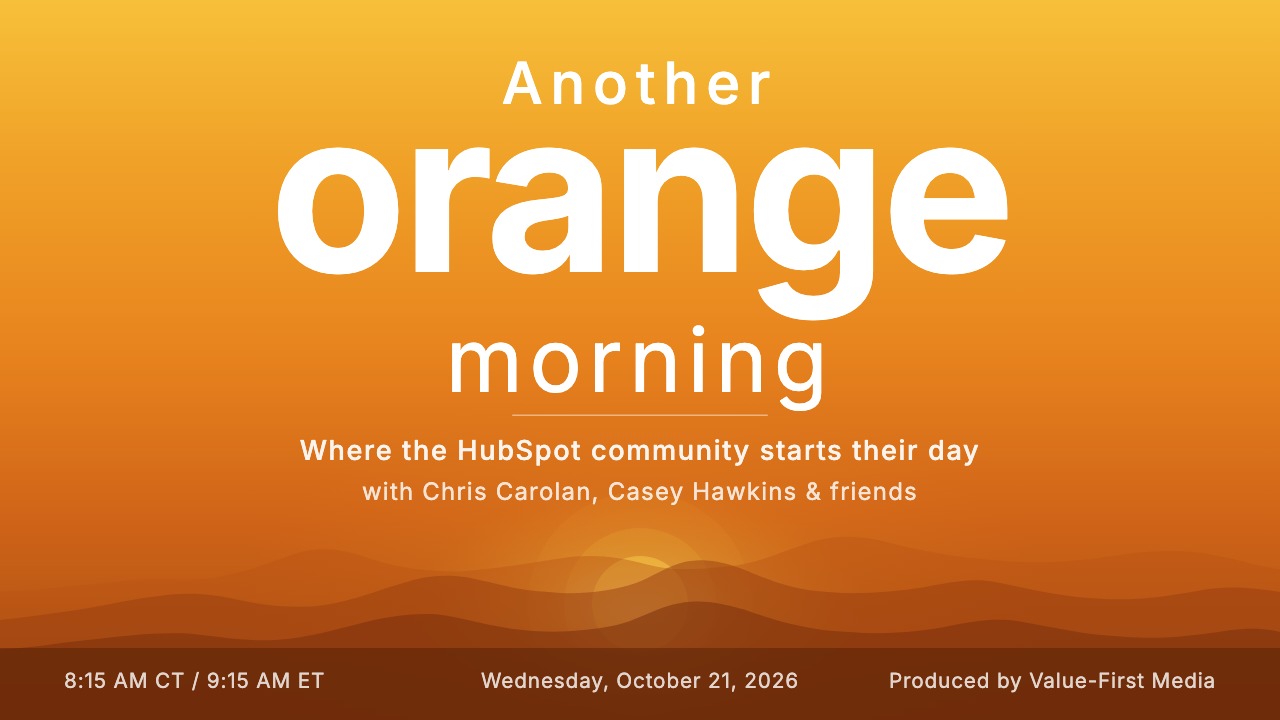 Another Orange Morning, 21 October 2026
Try it in your portal
Track where work stands.
Add a dropdown for Active, Paused, Complete and Never started, and a date for when work began (the kickoff, not the sale). Settings › Properties › Company properties › Create property, field type Dropdown select or Date picker.
Mark records made for teaching.
Add a dropdown with Lived and Illustrative, so a record made to teach never counts as real value. Settings › Properties › Company properties › Create property, field type Dropdown select.
Label who received the value.
Label the link from a Value Entry to the Account that received it, such as “received value”. Data Model › Edit Data Model › Create association label. Professional or Enterprise; Enterprise for custom objects.
What do we keep about an Account?
Beyond the usual details and HubSpot history, we keep:
- Their HubSpot setup.
- Which hubs and tiers they use, whether their portal is production or sandbox, and which ERP they run.
- How the work reached us.
- Who brought the work, who delivers it, and the route: with a partner, through an agency, directly or by project.
- What the relationship is for.
- Their strategy and goals with us, the kind of work, how they decide, and what we think we can help with first.
- Show sponsorship.
- Whether they sponsor our shows, at which tier, and since when.
Whose value does it serve?
Value for the Customer
That means the people and organizations we work with. Facts about the Account stay on the Account, in the place our team already works.
What links to an Account?
- connected to
- parent, part or partner Another Account
- connected to Interest (custom object)
- value landed Value Entry (custom object)
- part of an opportunity
- party to a purchase
- receives ongoing work
- has a project
Dashed frames mark our own custom objects, which need an Enterprise subscription in HubSpot.
On the printed sheet these objects are drawn with dashed frames; this list gives the same links without the frames.
An Interest is a relationship you recognize and develop; a Value Entry is a recorded moment where value actually landed.
Also connected, though not drawn: invoices, subscriptions, contracts, quotes, notes, calls, meetings, tickets, show episodes and more.
How does an Account move with us?
Path TO Value · Discovery & Evaluation
 01
Audience
“I am learning”
 02
Researcher
“I am researching”
 03
Hand Raiser
“I need help”
 04
Buyer
“I am buying”
The shift comes at the moment of purchase or commitment.
Path OF Value · Creation & Multiplication
 05
Value Creator
“I must create value”
 06
Adopter
“I realize your value”
 07
Advocate
“I tell others about you”
 08
Champion
“I am a raving fan”
An Account’s stage is its own, never added up from its people’s: a new hire can be a Researcher while the Account is an Adopter. Our Value Path field holds it; HubSpot’s Lifecycle Stage carries the same names and adds four outside the Path: Partner, Subscriber, Other and Past Client.
Checked against our HubSpot portal and our written method on