
The printed sheet
How the Value-First Team sets up its own HubSpot portal, for HubSpot users.
Every individual we have a relationship with has a Friend record, wherever they are on their path with us.
That means someone on a client’s team, a partner, a contributor, someone who follows our shows, or one of the AI members of our team.
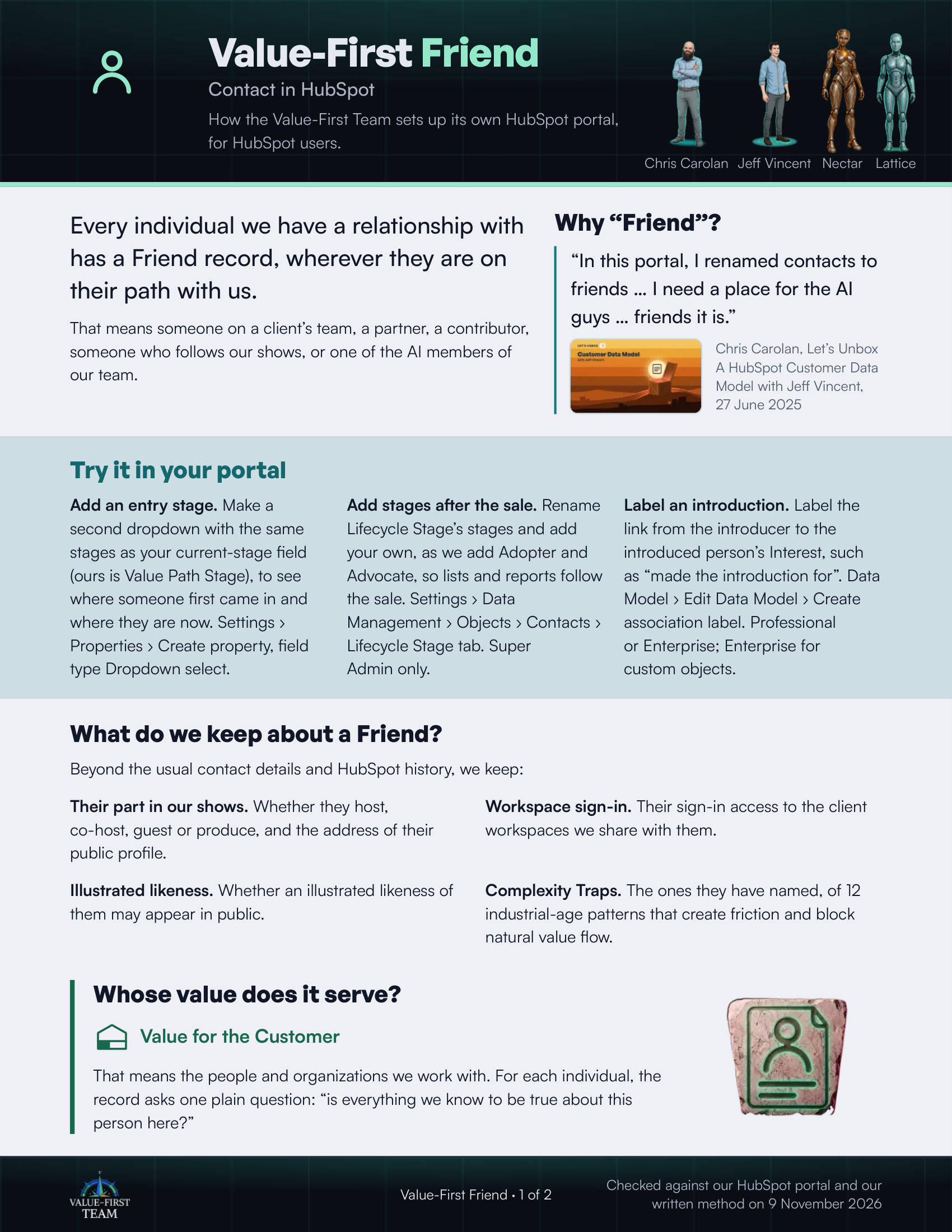
Four of our Friends: two people, Chris Carolan and Jeff Vincent, and two AI members of our team, Nectar and Lattice.
- Chris Carolan
- Jeff Vincent
- Nectar
- Lattice
Why “Friend”?
“In this portal, I renamed contacts to friends … I need a place for the AI guys … friends it is.”
Chris Carolan, Let’s Unbox A HubSpot Customer Data Model with Jeff Vincent, 27 June 2025
Try it in your portal
- Add an entry stage. Make a second dropdown with the same stages as your current-stage field (ours is Value Path Stage), to see where someone first came in and where they are now. Settings › Properties › Create property, field type Dropdown select.
- Add stages after the sale. Rename Lifecycle Stage’s stages and add your own, as we add Adopter and Advocate, so lists and reports follow the sale. Settings › Data Management › Objects › Contacts › Lifecycle Stage tab. Super Admin only.
- Label an introduction. Label the link from the introducer to the introduced person’s Interest, such as “made the introduction for”. Data Model › Edit Data Model › Create association label. Professional or Enterprise; Enterprise for custom objects.
What do we keep about a Friend?
Beyond the usual contact details and HubSpot history, we keep:
- Their part in our shows. Whether they host, co-host, guest or produce, and the address of their public profile.
- Workspace sign-in. Their sign-in access to the client workspaces we share with them.
- Illustrated likeness. Whether an illustrated likeness of them may appear in public.
- Complexity Traps. The ones they have named, of 12 industrial-age patterns that create friction and block natural value flow.
Whose value does it serve?
Value for the Customer
That means the people and organizations we work with. For each individual, the record asks one plain question: “is everything we know to be true about this person here?”
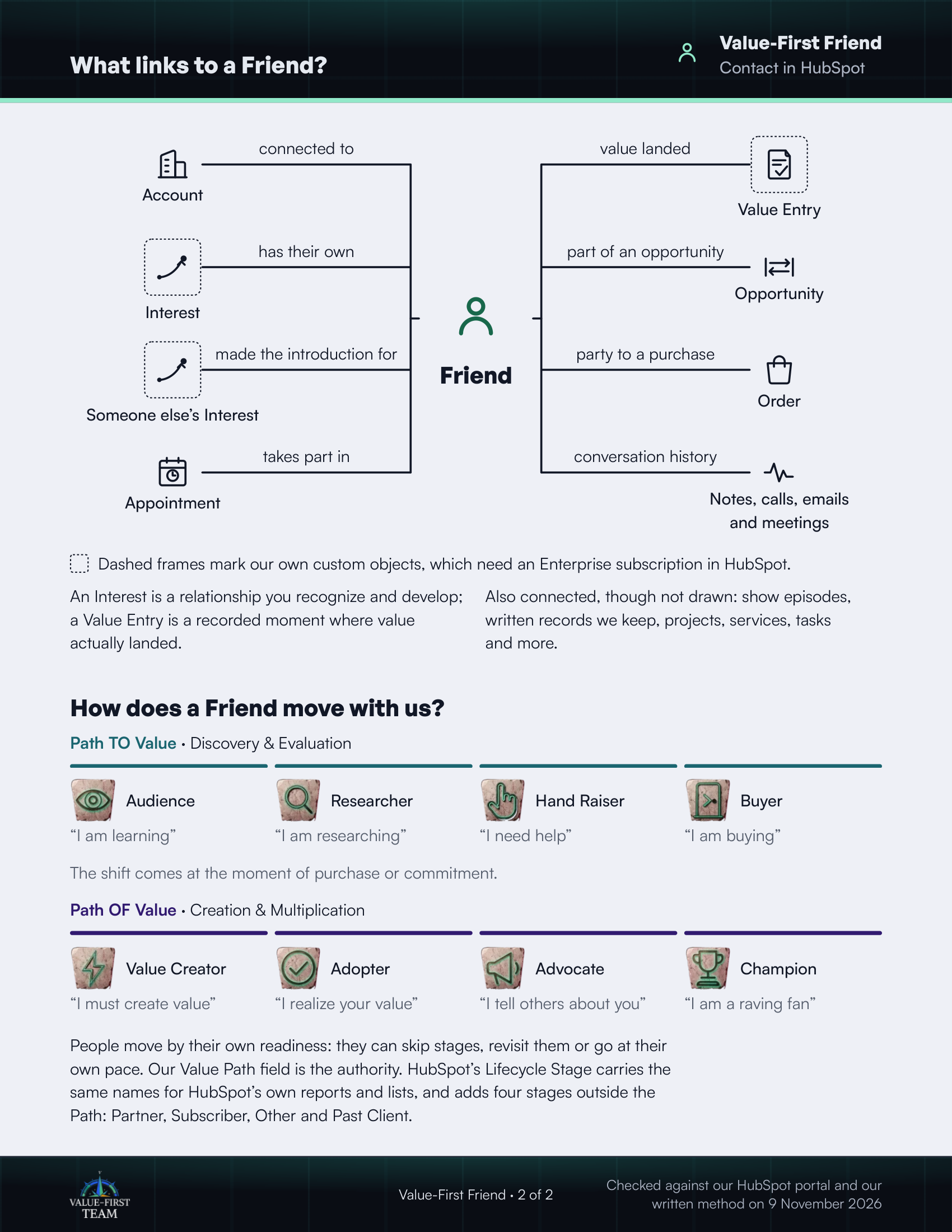
What links to a Friend?
- connected to Account
- has their own Interest (custom object)
- made the introduction for Someone else’s Interest (custom object)
- takes part in Appointment
- value landed Value Entry (custom object)
- part of an opportunity Opportunity
- party to a purchase Order
- conversation history Notes, calls, emails and meetings
Dashed frames mark our own custom objects, which need an Enterprise subscription in HubSpot.
On the printed sheet these objects are drawn with dashed frames; this list gives the same links without the frames.
An Interest is a relationship you recognize and develop; a Value Entry is a recorded moment where value actually landed.
Also connected, though not drawn: show episodes, written records we keep, projects, services, tasks and more.
How does a Friend move with us?
Path TO Value · Discovery & Evaluation
- Audience “I am learning”
- Researcher “I am researching”
- Hand Raiser “I need help”
- Buyer “I am buying”
The shift comes at the moment of purchase or commitment.
Path OF Value · Creation & Multiplication
- Value Creator “I must create value”
- Adopter “I realize your value”
- Advocate “I tell others about you”
- Champion “I am a raving fan”
People move by their own readiness: they can skip stages, revisit them or go at their own pace. Our Value Path field is the authority. HubSpot’s Lifecycle Stage carries the same names for HubSpot’s own reports and lists, and adds four stages outside the Path: Partner, Subscriber, Other and Past Client.
Checked against our HubSpot portal and our written method on 9 November 2026